Learn the platform before the pressure
Know where every button is before real money is on the line. Execution speed matters when markets move.
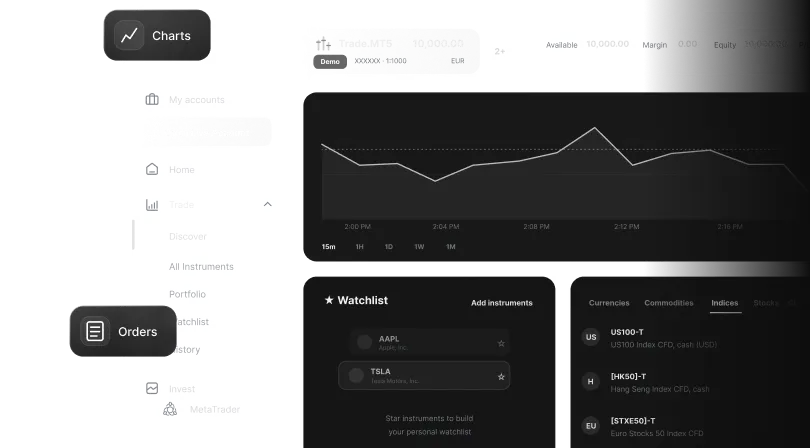

Explore our platforms, test your strategy, and learn how trading works in a risk-free demo environment.
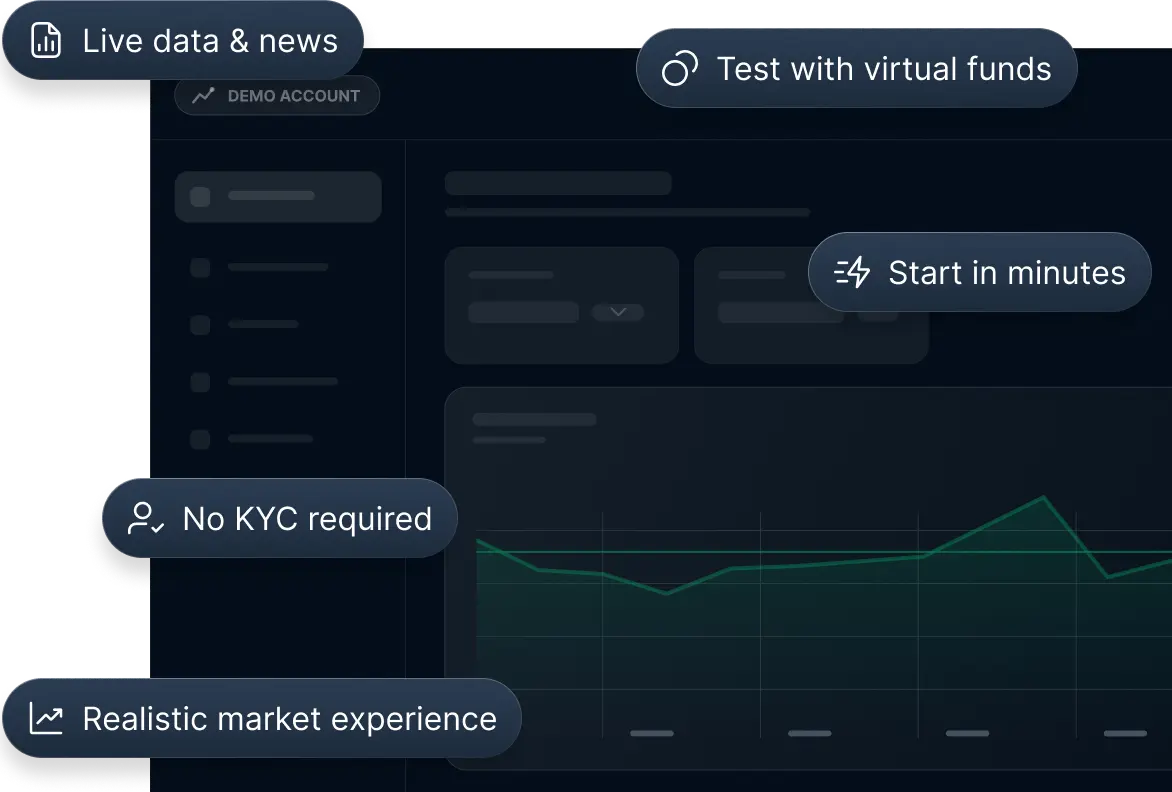
 No KYC required
 Real market prices
 Start in minutes

Know where every button is before real money is on the line. Execution speed matters when markets move.
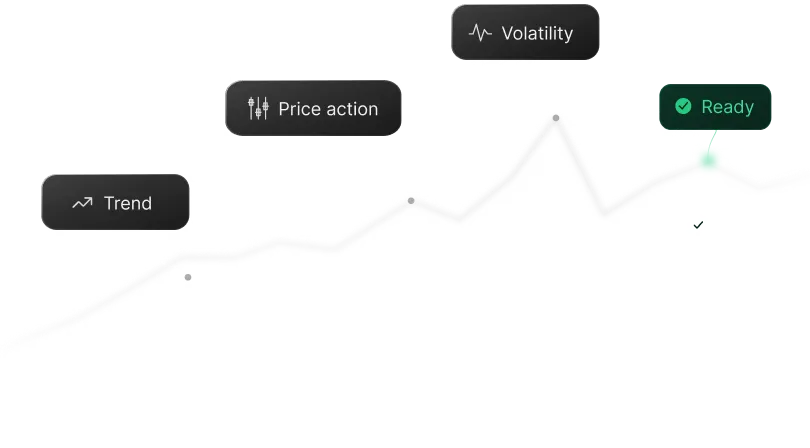
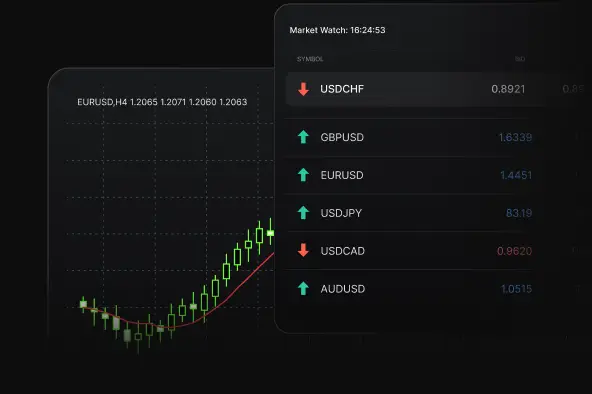
Understand trends, price action and market behaviour before trading live.
The same mistake on a live account costs real money—and real confidence. The demo is specifically designed for making every mistake first.
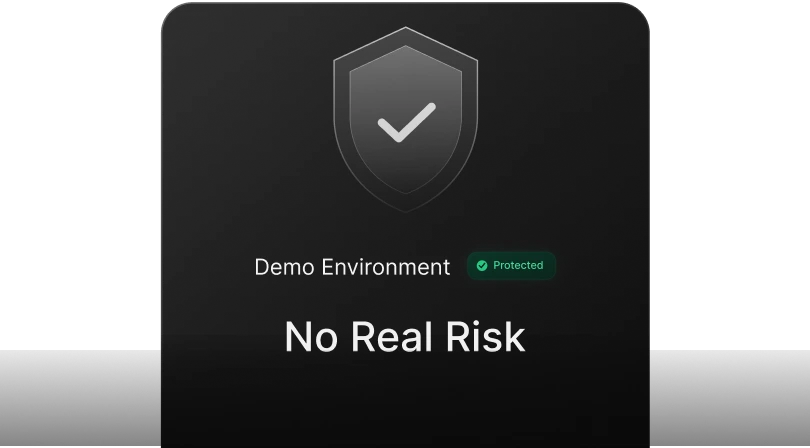
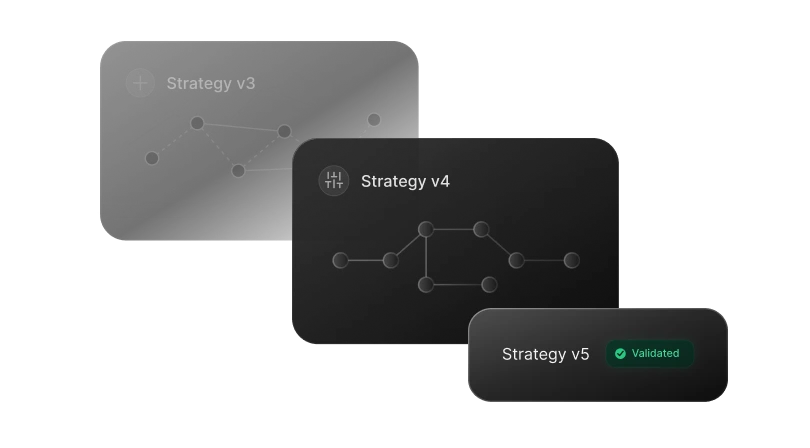
Any idea can be validated on a demo. Find out what works and what doesn`t before it costs you.
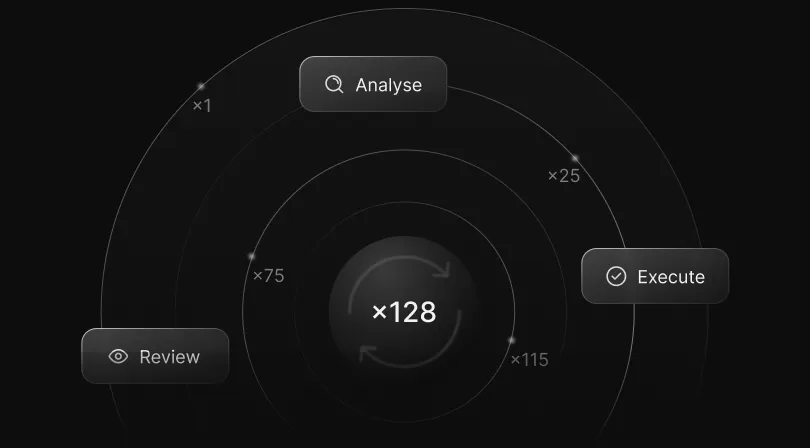
Confidence doesn`t come from boldness. It comes from having done it hundreds of times before.
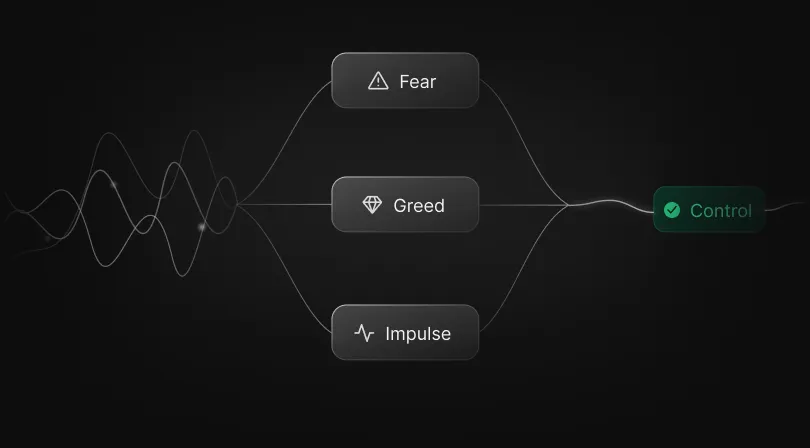
Recognise your own reactions: fear, greed, impulse. Understand them on demo so they don`t control you live.
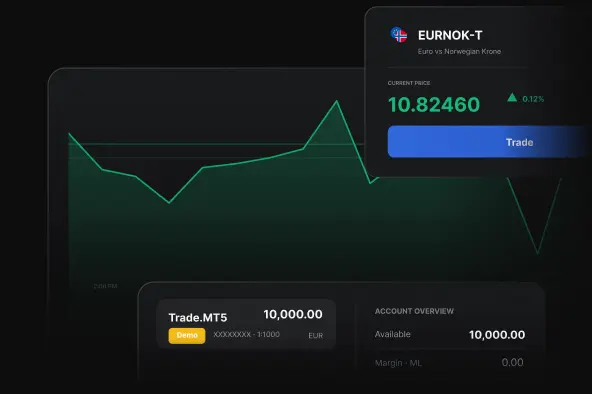
Desktop · iOS · Android
Web
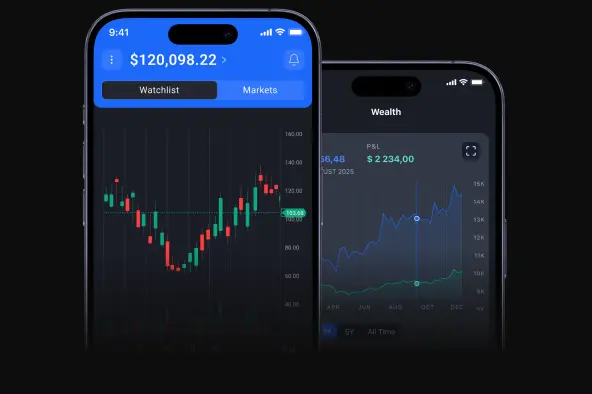
iOS · Android
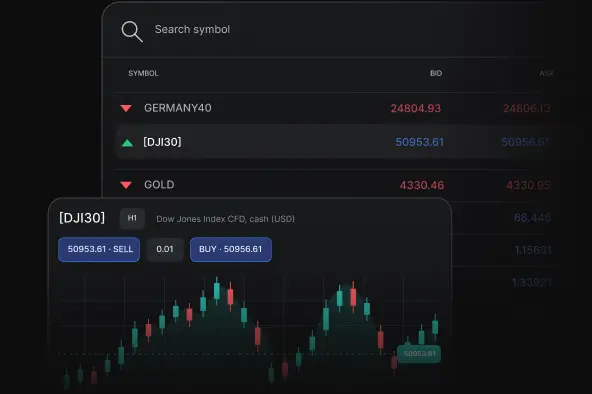
Browser-based
A demo trading account gives you a hands-on way to explore the trading platform using virtual funds. You can get familiar with key tools, follow market movements, test different approaches and experience the trading environment before deciding whether to move to a live account.
Not at all. New traders can use a demo account to understand the basic trading flow, while experienced clients can take a closer look at the platform, review its features, set up their workspace and see how the overall trading experience fits their needs.
Yes. You can open a demo account free of charge, with no deposit or identity verification required. It only takes a few moments to get started with virtual funds and explore the platform.
Verification is required only when applying for a live account.
When opening a demo account, you can choose from the platform options available for your selected account type. These may include MetaTrader 4 and MetaTrader 5, including desktop and mobile versions, WebTrader for browser-based access, as well as the Admirals platform and Admirals mobile app.
Platform availability depends on the demo account type you choose. MT4-based account types are accessed through MetaTrader 4, while MT5-based account types are accessed through MetaTrader 5. The Admirals platform and Admirals mobile app currently support demo access for Trade.MT5 and Invest.MT5 accounts.
After exploring the platform in demo mode, you can choose whether to apply for a live account. To open one, you will need to complete the required verification process in line with applicable regulatory requirements.
Note: Live trading involves real money and market risk. Demo account results are for practice only and do not guarantee future performance.
After creating a demo account, you will receive your login details by email. They are also available in your Dashboard. Simply go to Accounts → Demo, open the three-dot menu next to the relevant account and select Account settings.
Need to update your password? You can do this from the same three-dot menu by selecting Reset password.
Most demo accounts are available for a standard 30-day period from the date they are opened. This gives you time to explore the platform, review the available tools and get familiar with the trading experience.
If you open and maintain an active live account, your demo account can continue to be available alongside it. To keep an active demo account in use, please complete a manual sign-in to that demo account at least once every 30 days by entering your demo login and password. This is a practical way to keep your demo environment available for exploring platform features, reviewing your setup or trying different approaches separately from live trading.
In most cases, if your demo account is approaching expiry, we will send a reminder to your registered email address. You can also view your active demo accounts at any time in your Dashboard under Accounts → Demo.
Yes. If you need help accessing your demo account, finding your login details, navigating the platform or understanding available features, our support team is here to assist you.
 Live chat